//Copilot
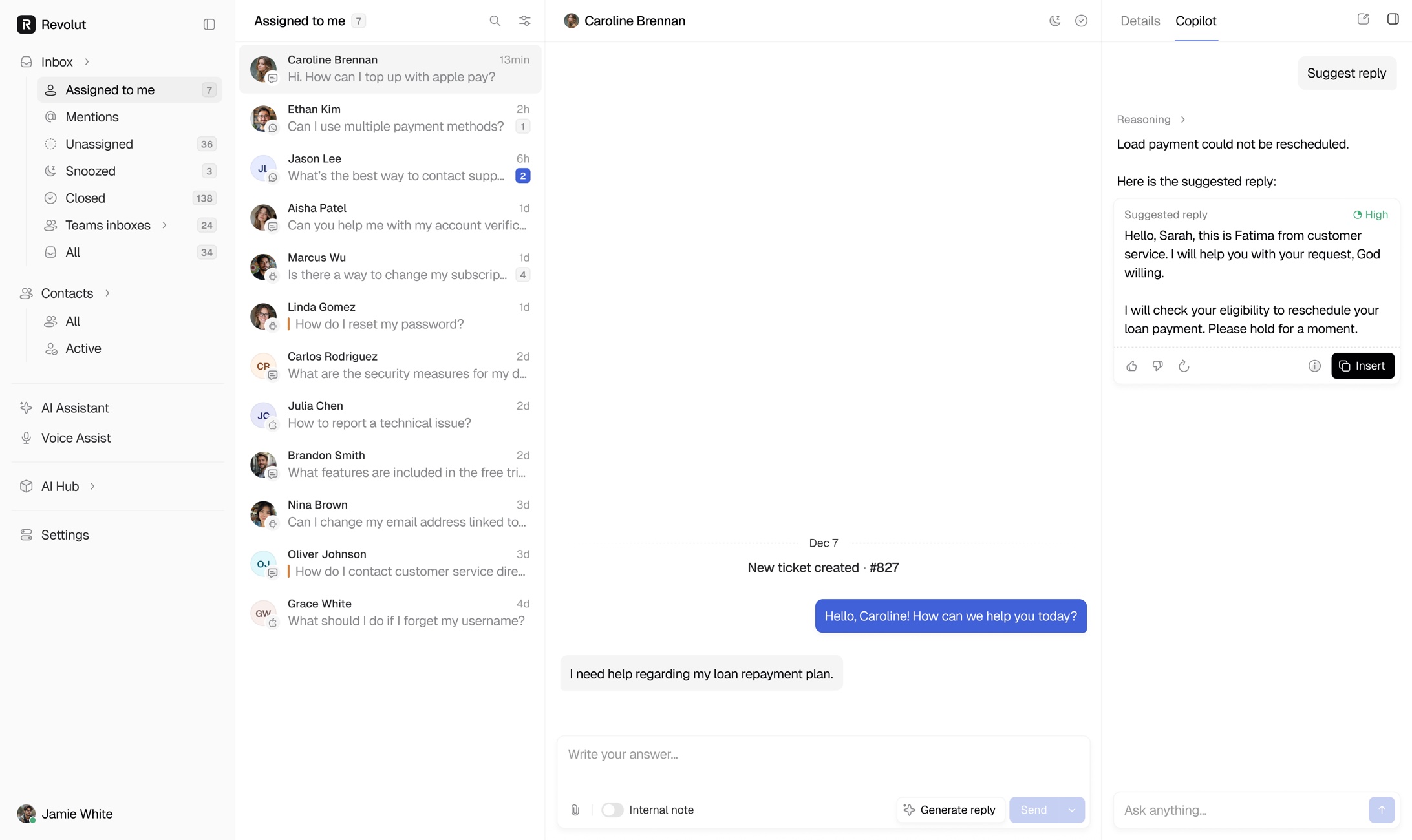
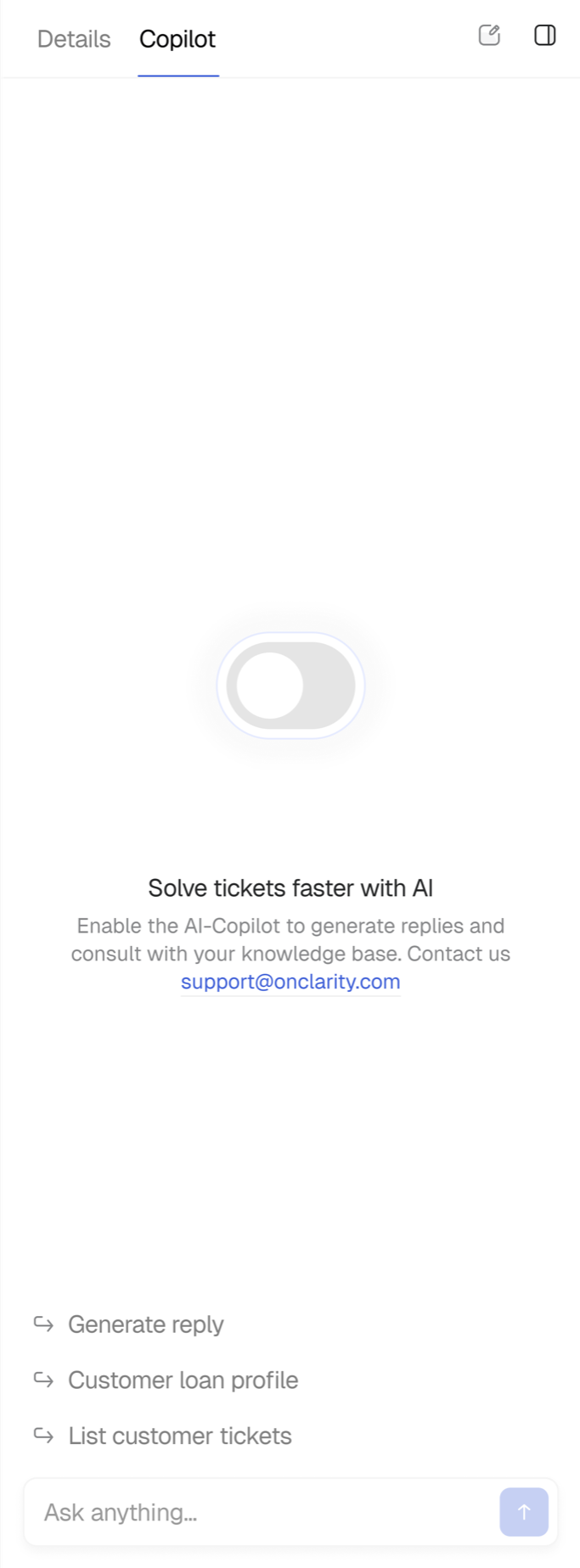
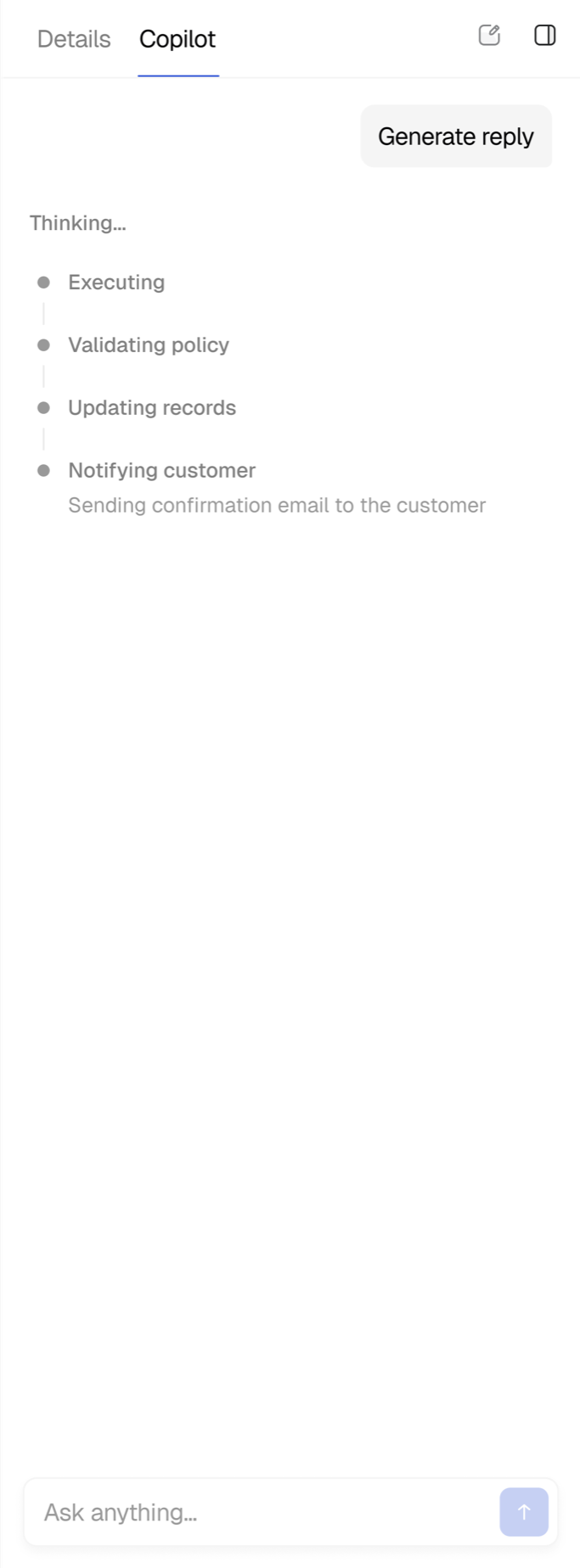
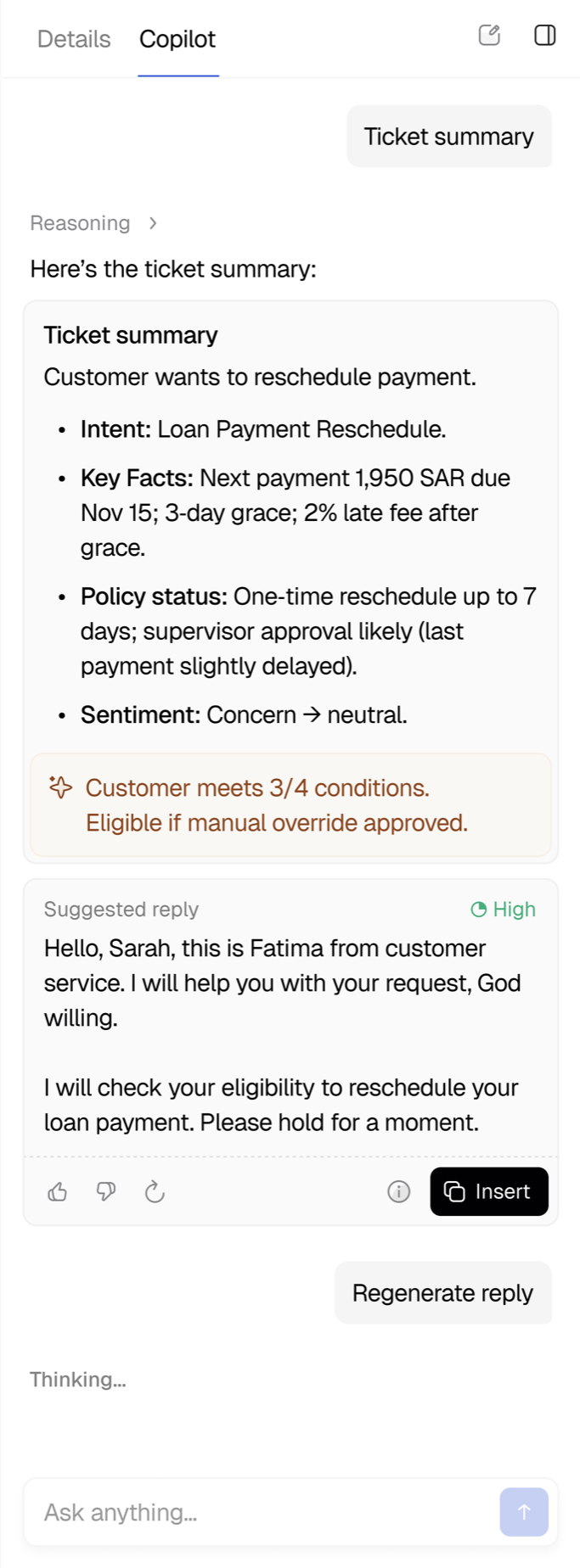
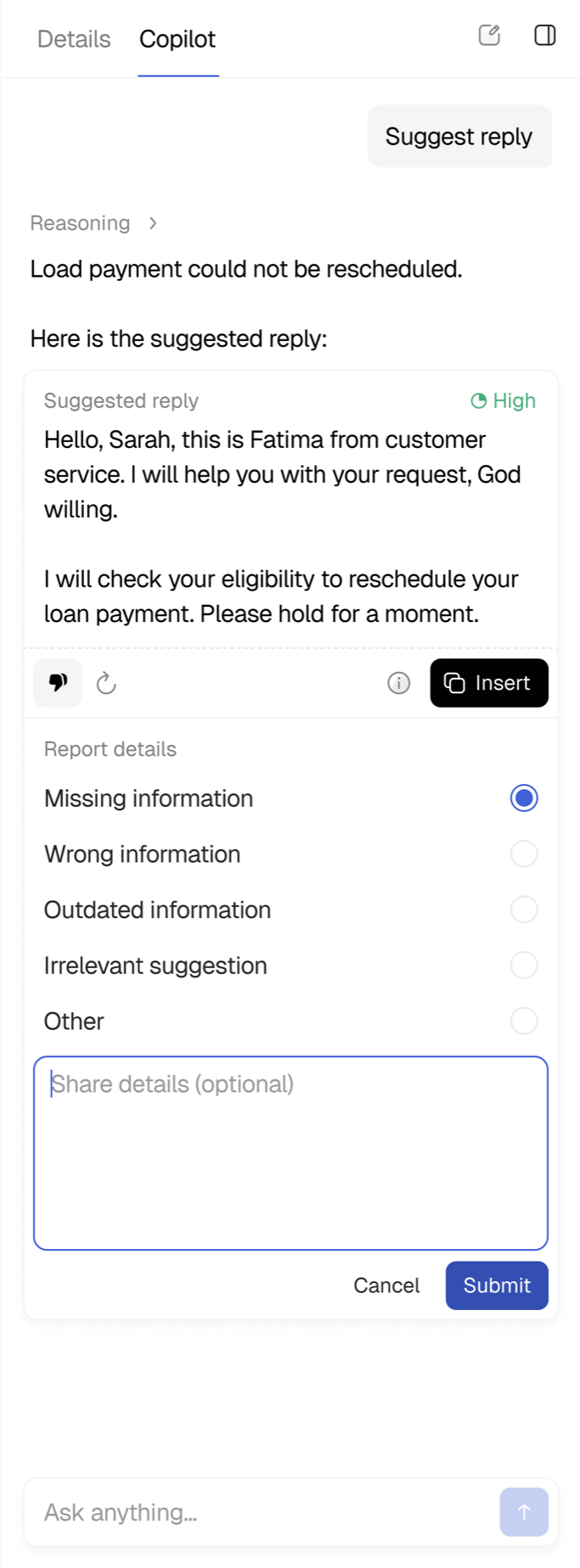
Copilot sits next to every conversation. It reads the ticket, reasons over the customer's account and the knowledge base, and drafts a reply the agent can insert with one click. It also writes a ticket summary, checks the case against policy (three of four conditions met, manual override eligible) and can regenerate or refine the answer from a single prompt, so agents stay in control while the busywork disappears.
//Knowledge base conflicts
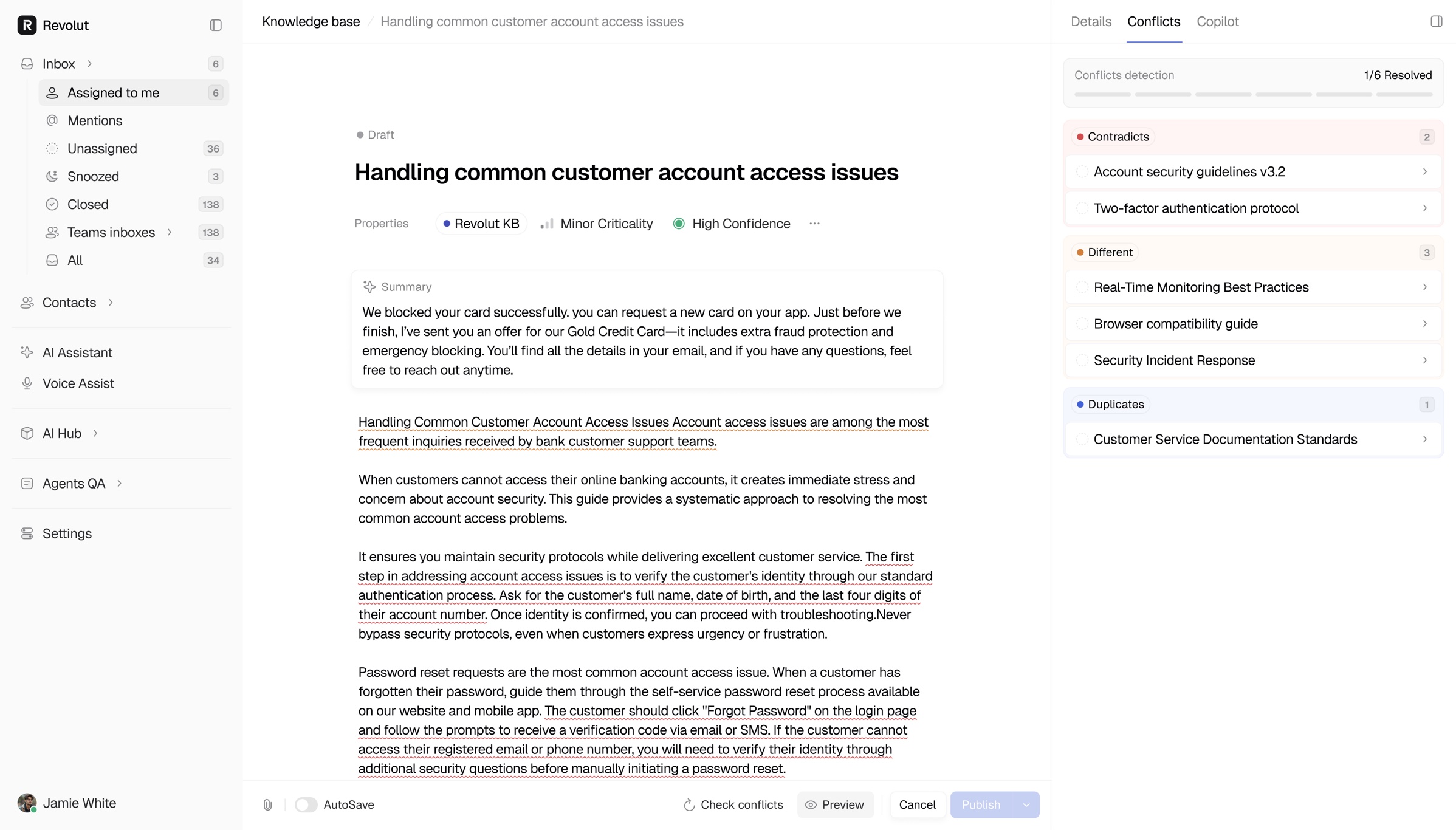
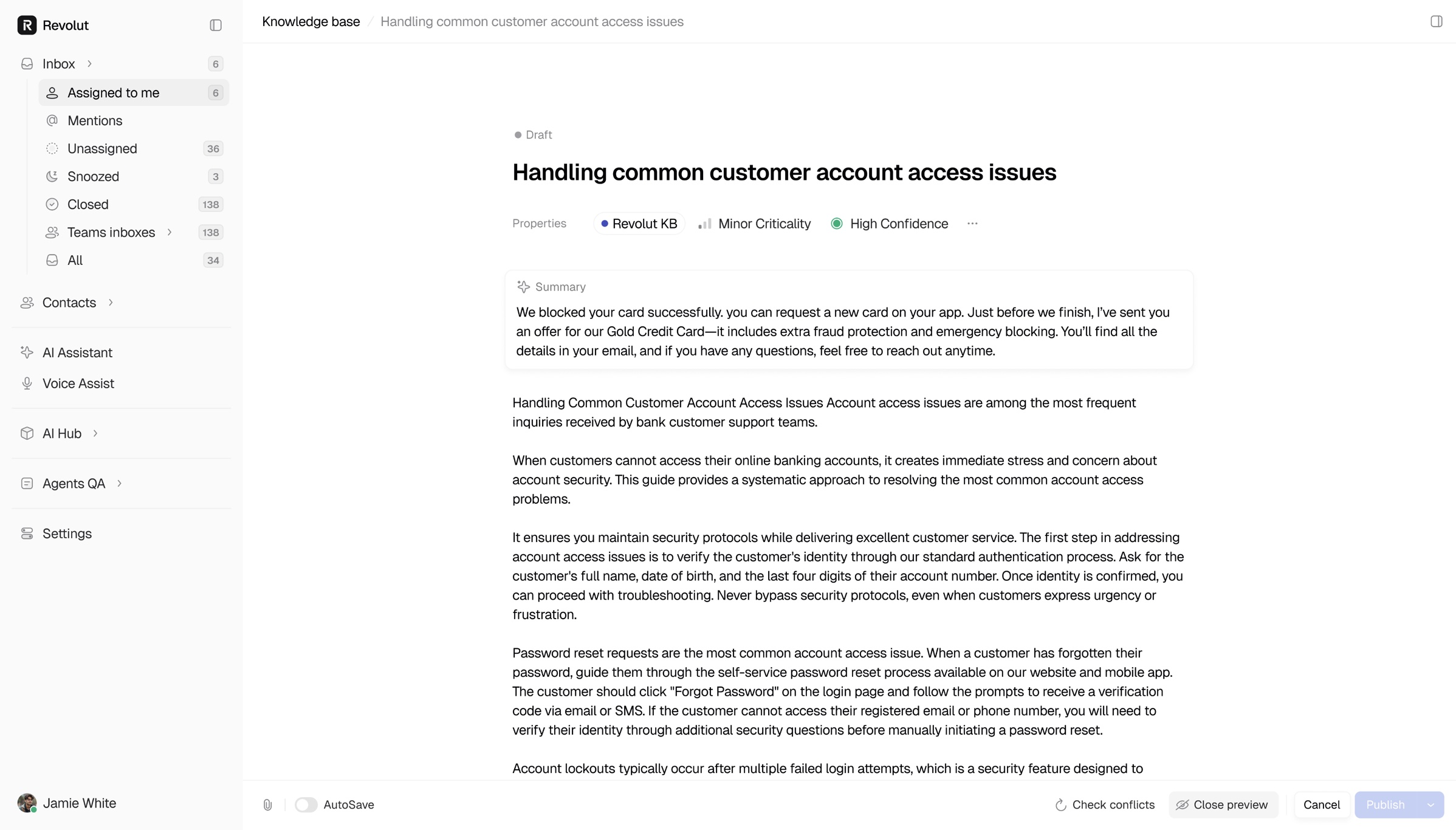
Answers are only as good as the knowledge behind them. When two articles disagree, the platform flags the conflict right on the article, lists the contradicting sources with their last review date and lets the team resolve it in place. The Copilot panel stays open beside the article, so the agent can check what the AI would say before and after the fix.
//Add Agent QA
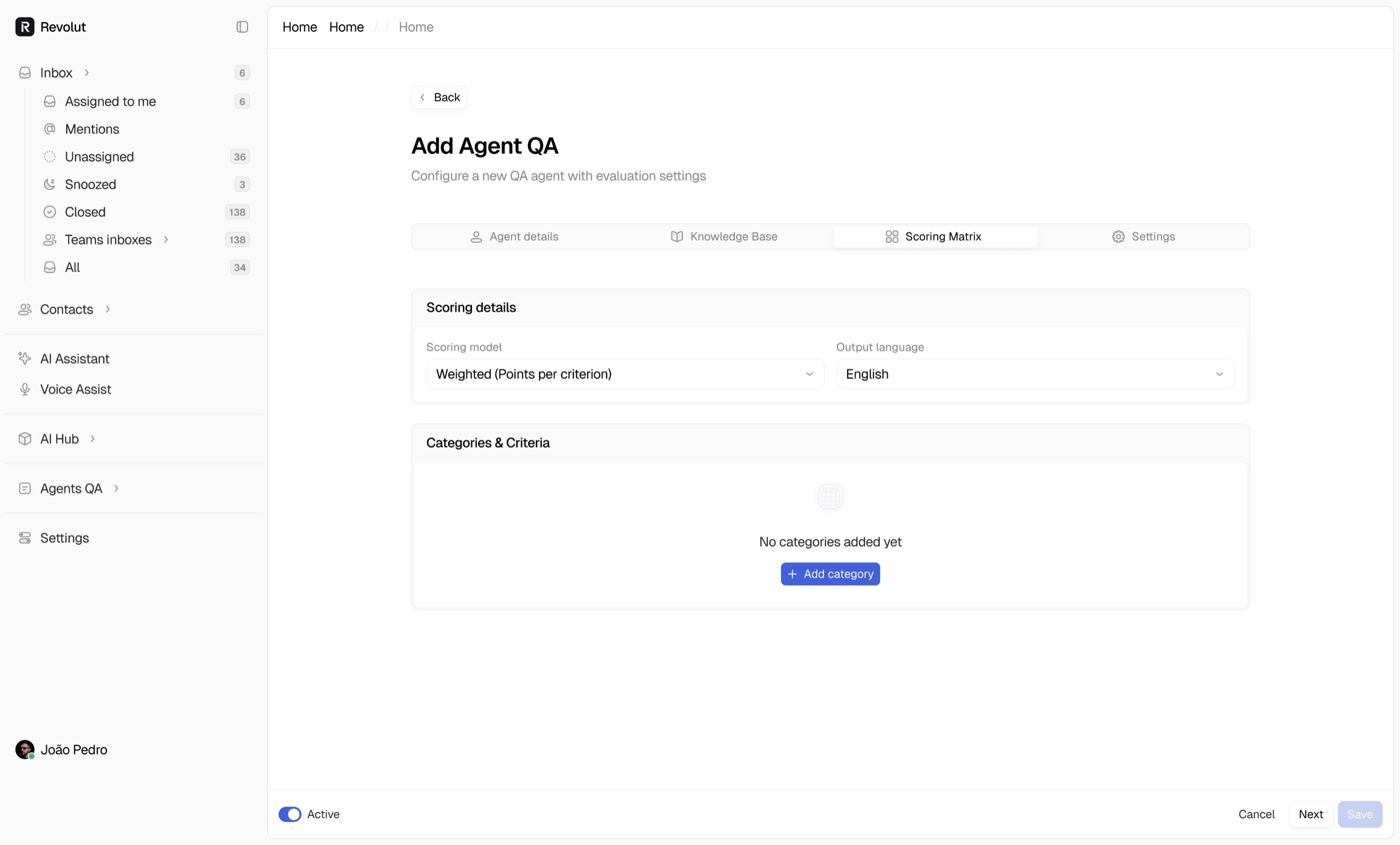
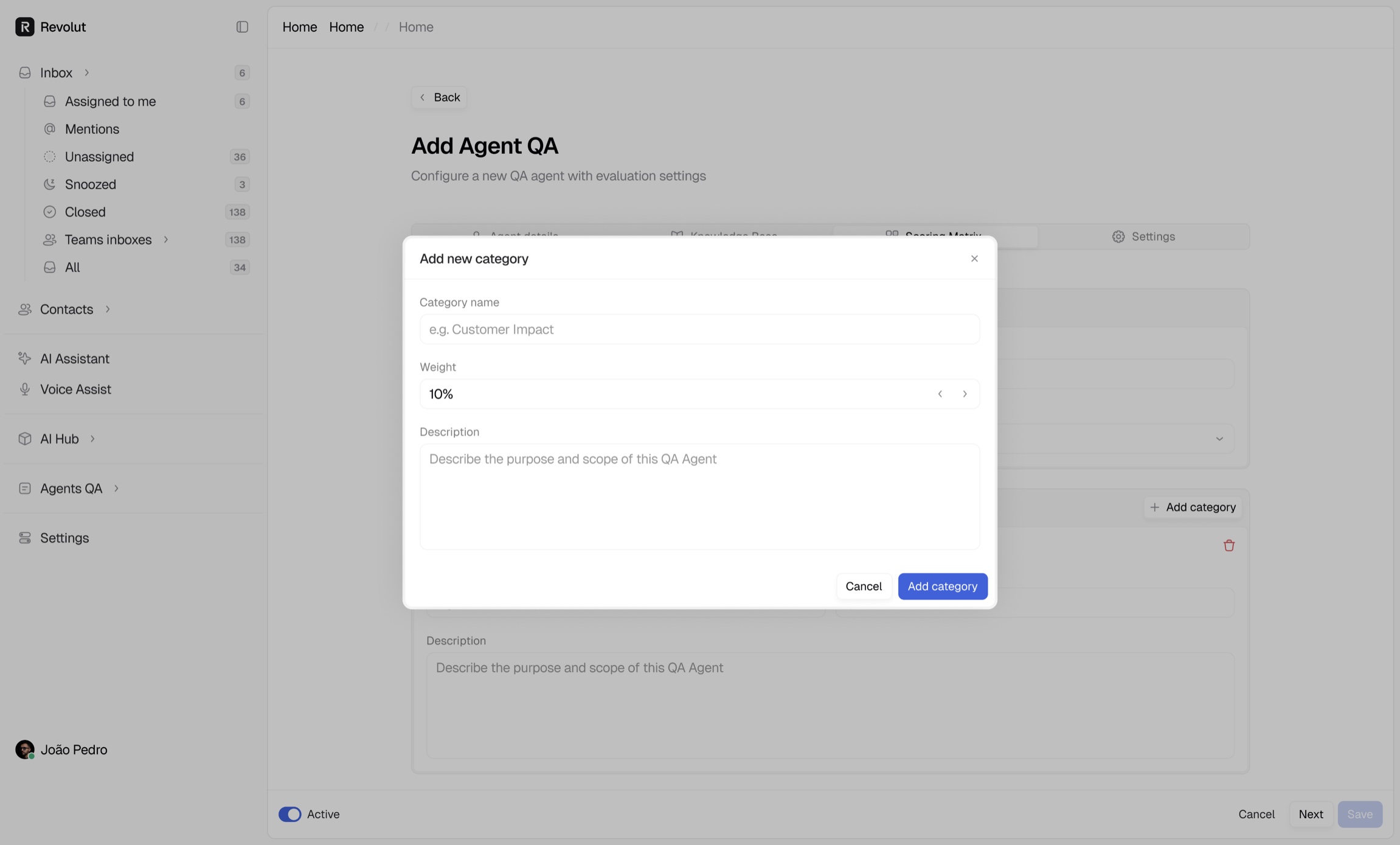
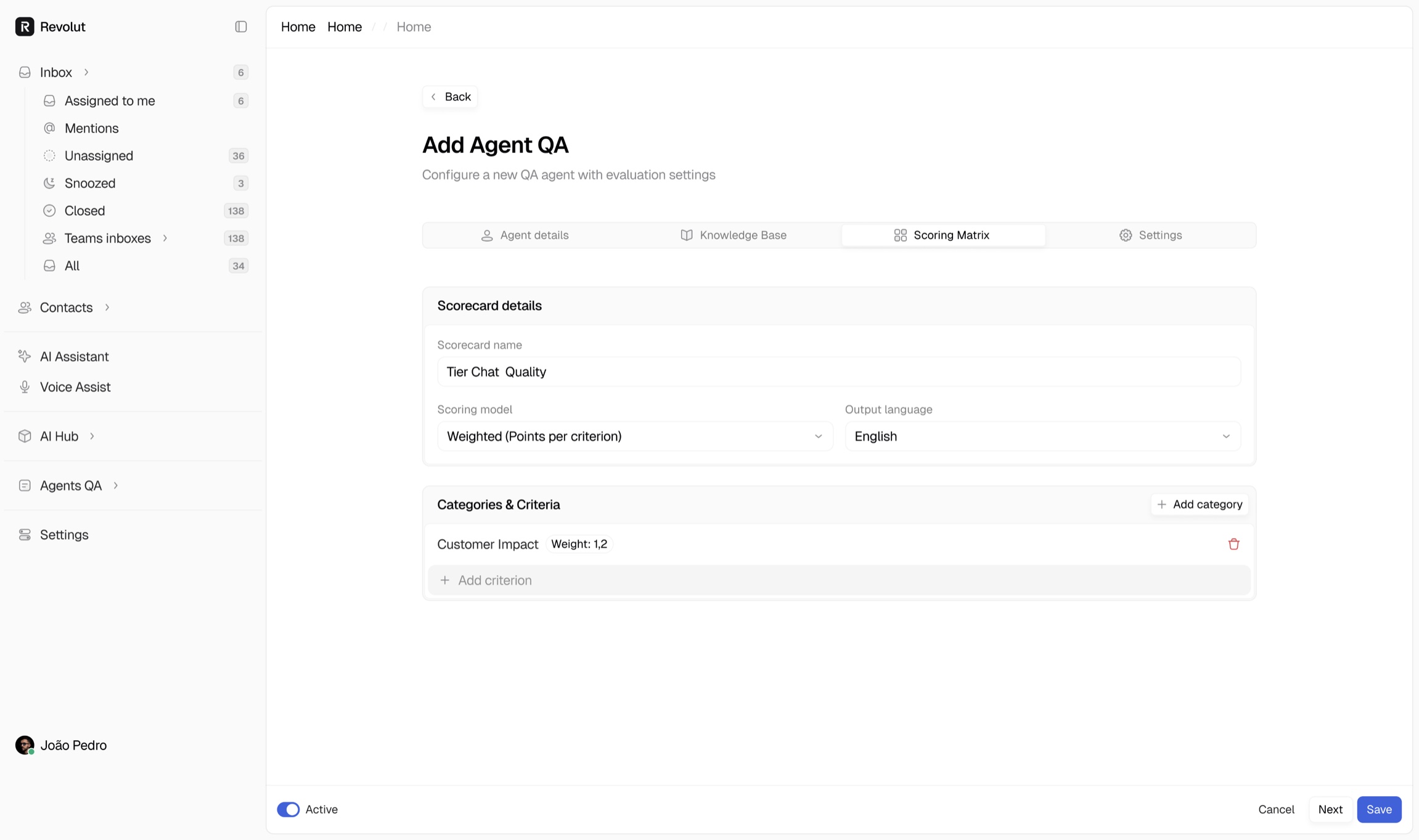
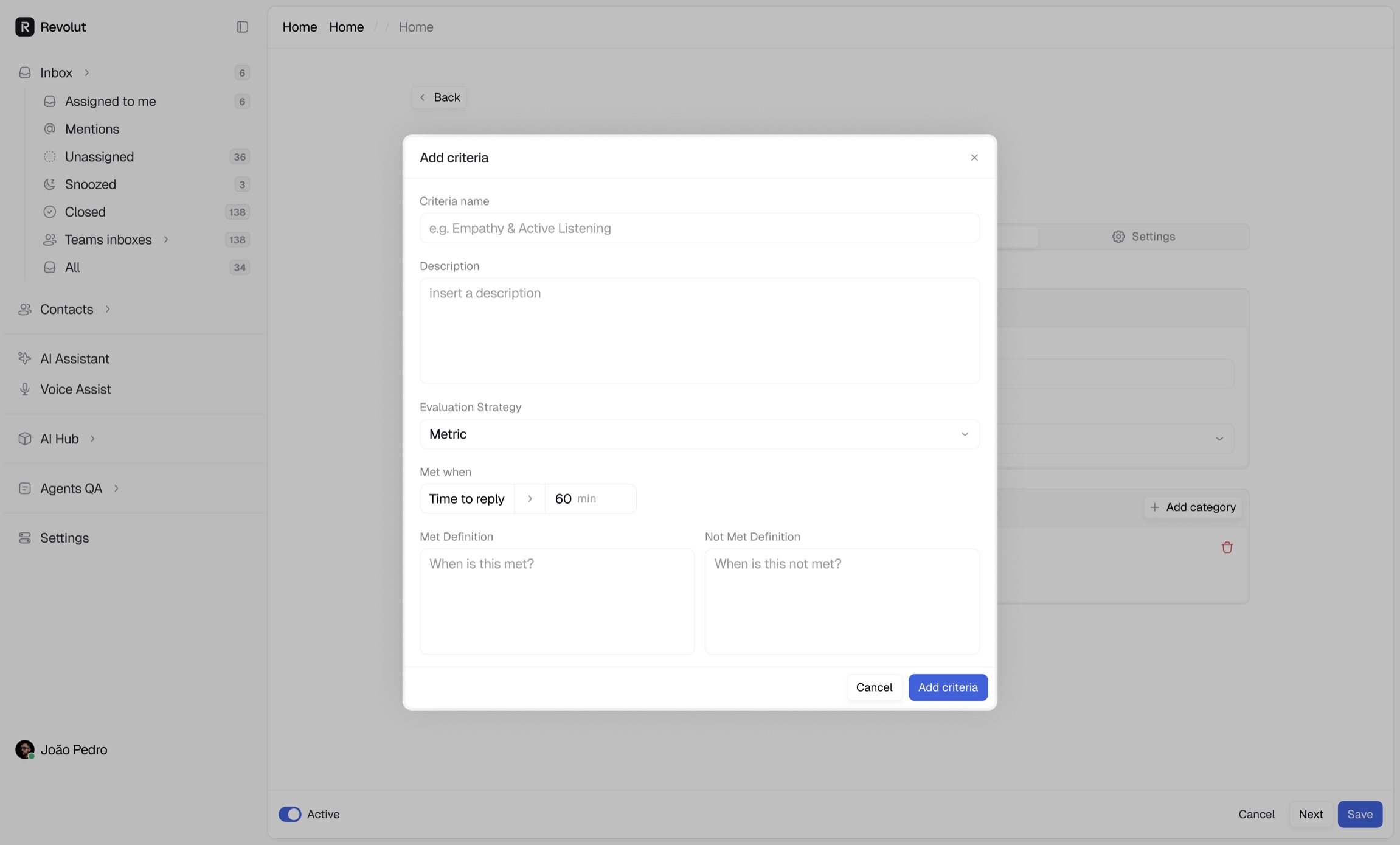
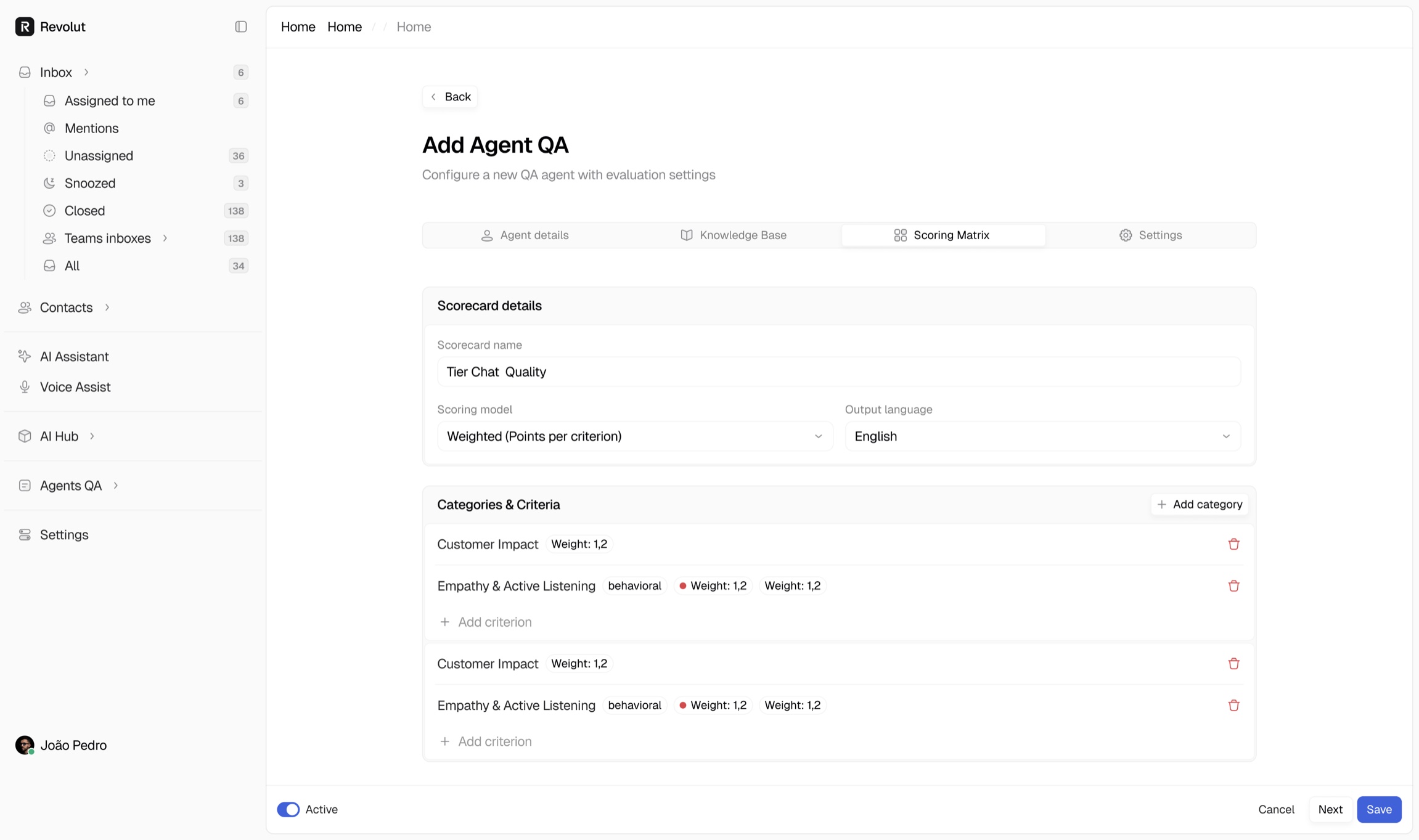
Agent QA lets a support lead define how conversations are scored. Adding an agent is a short guided flow: scoring details, language and criteria, then a review of the categories the AI will grade. Once it runs, every closed ticket gets a score and a reason, and the same criteria feed coaching, so quality stops depending on spot checks.
//LiveChat Widget
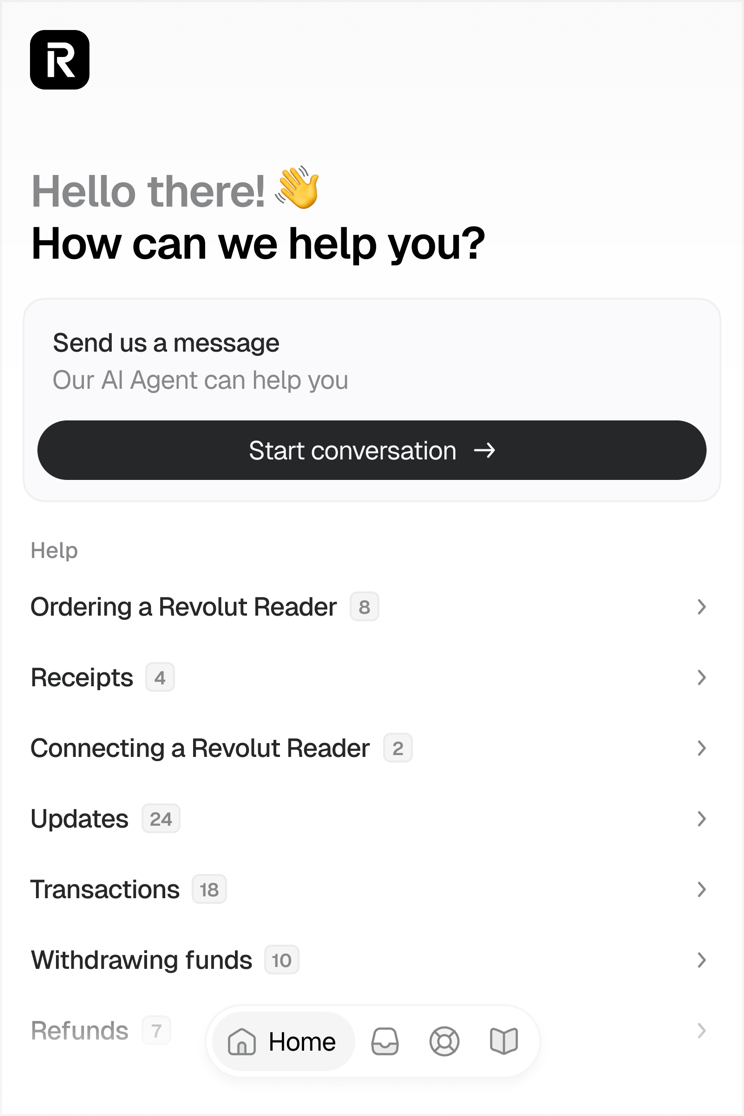
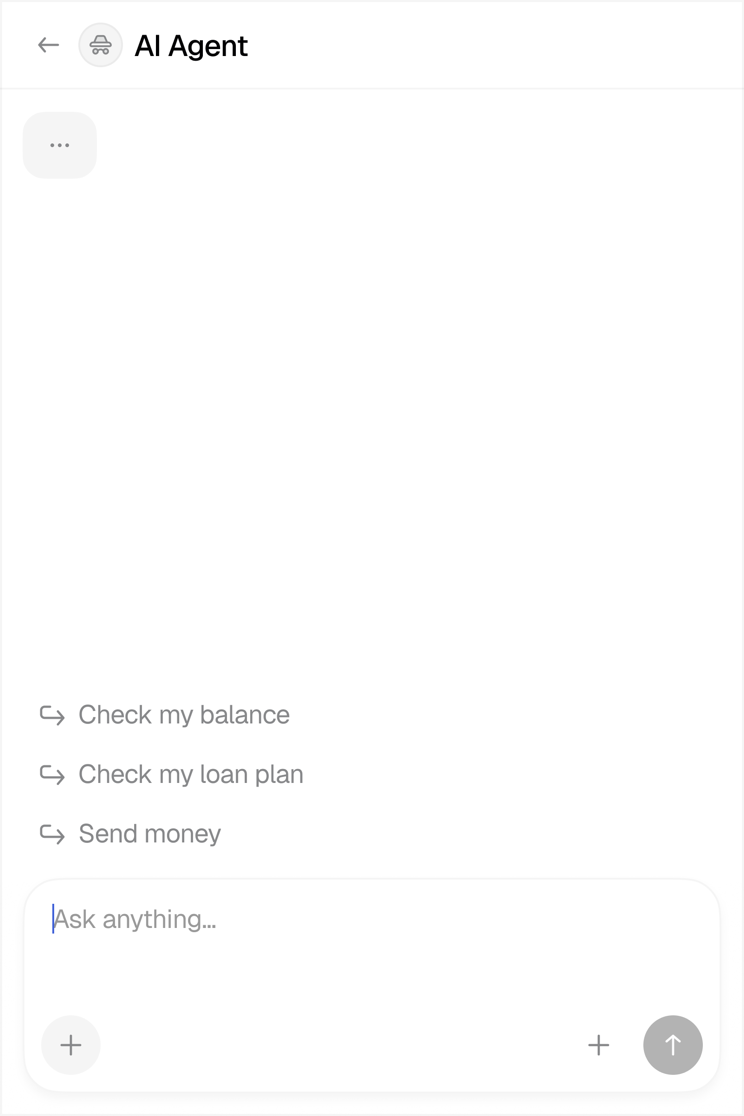
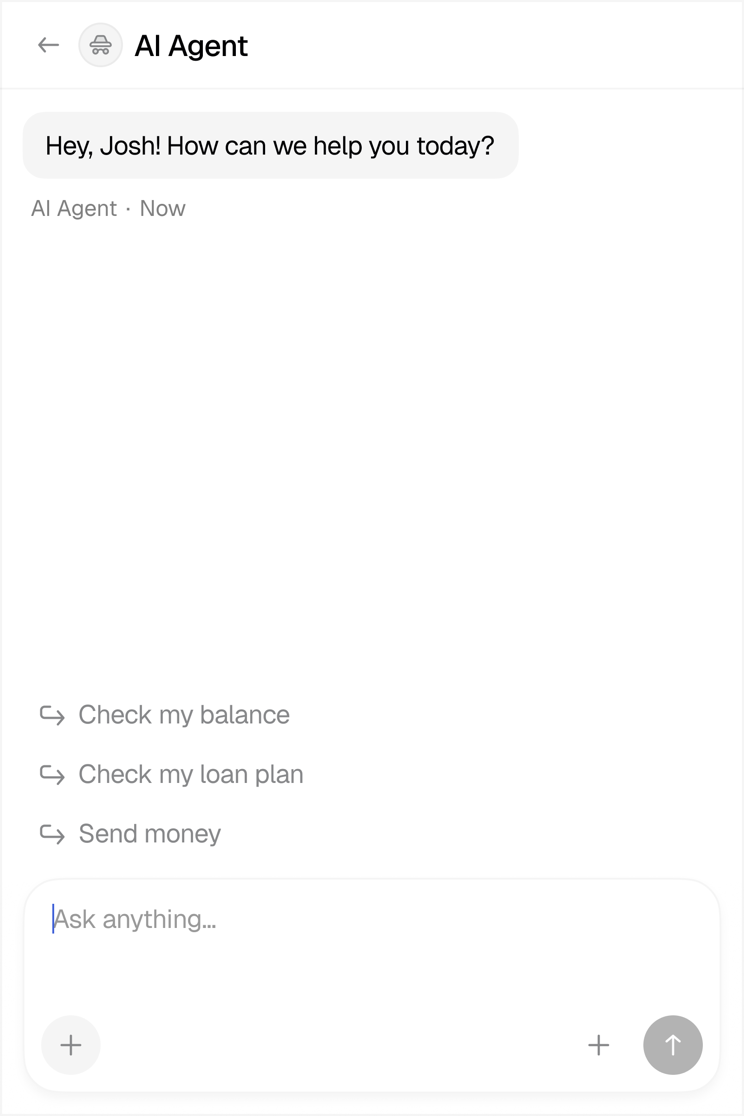
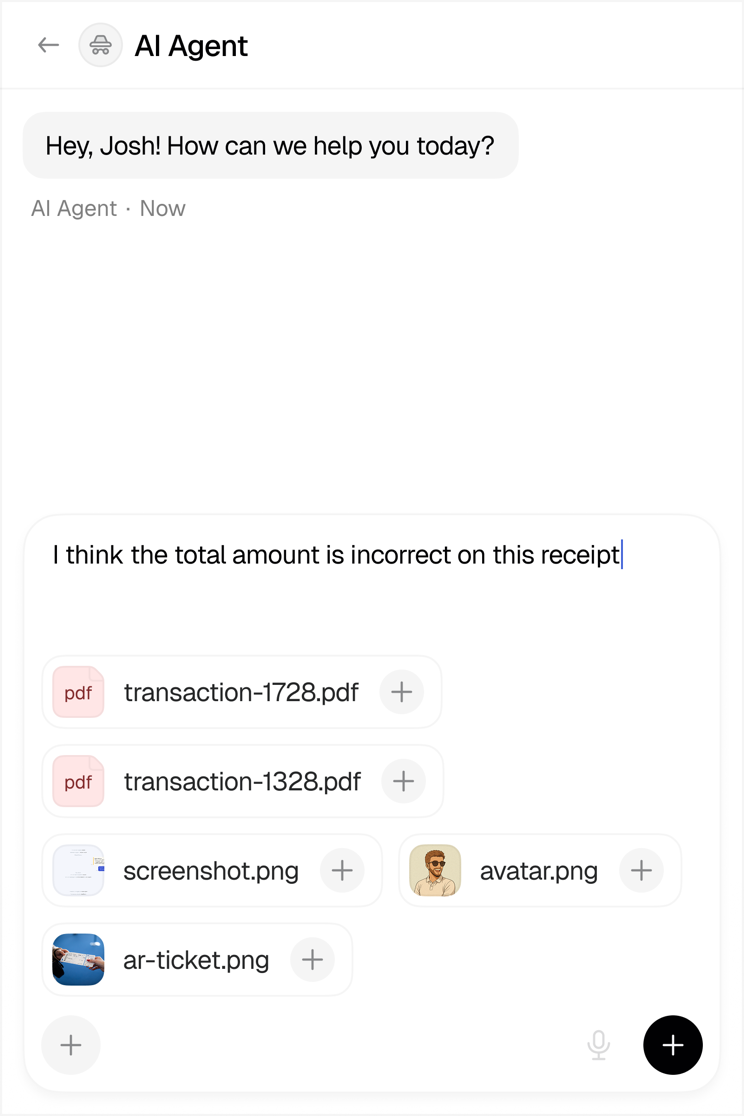
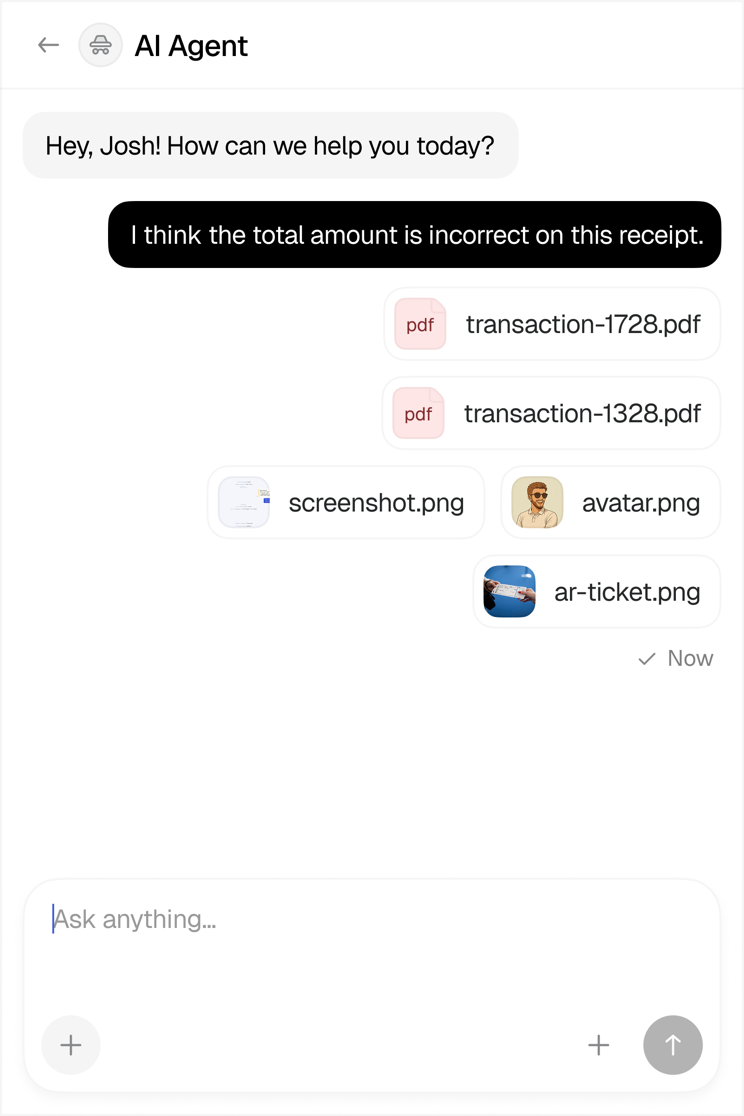
The same intelligence reaches customers through the chat widget. It opens with a short greeting and the most common questions, hands the conversation to the AI agent, and shows what the agent is doing while it checks balances or looks up transactions. When a human is needed, the handover happens in the same thread, with the full context already there.